

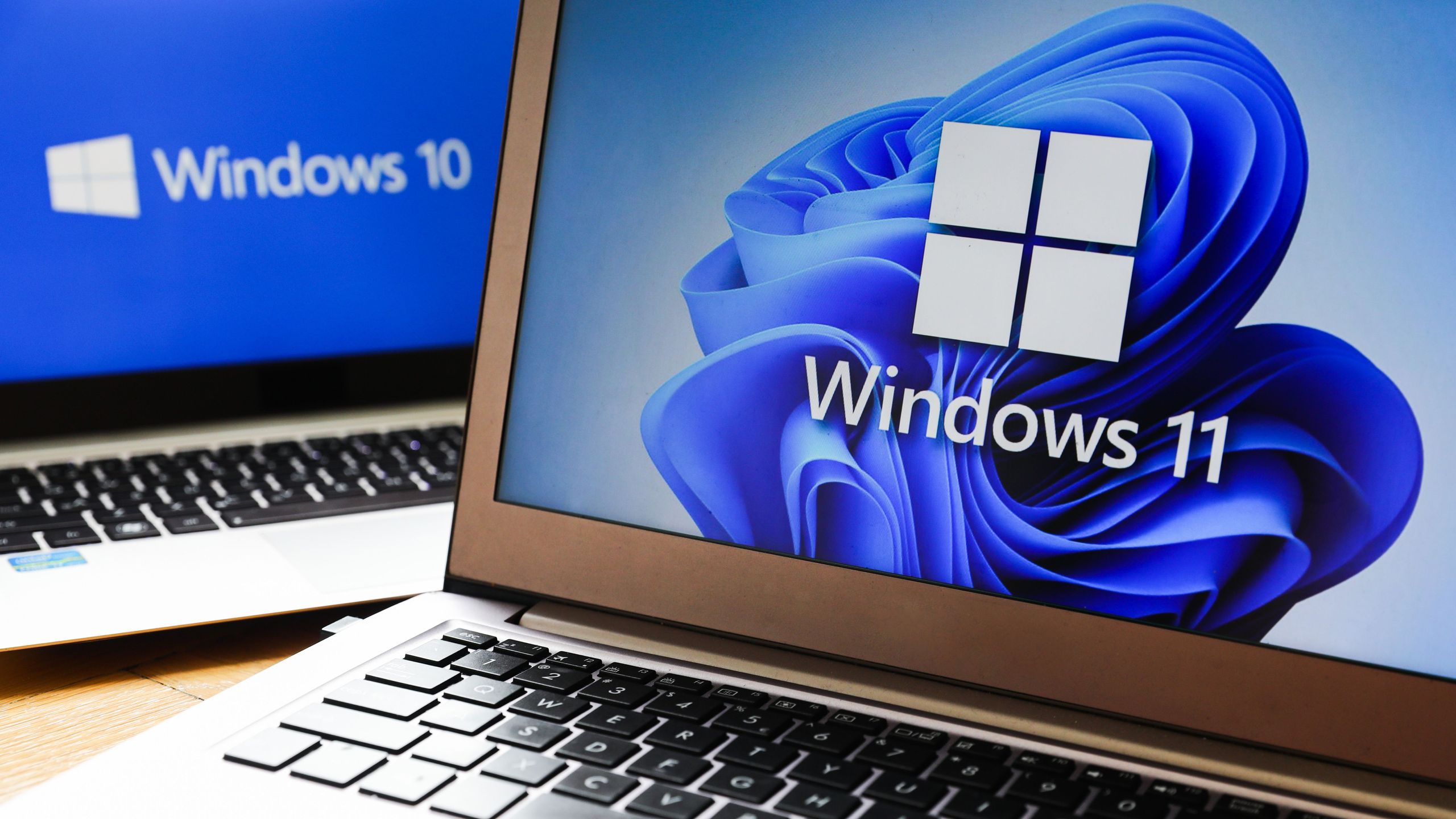
With AI tools like Copilot, smarter apps, and faster performance, Microsoft’s latest update transforms your PC into a true digital assistant.
Microsoft Adds Deep AI Integration to Windows 11
Microsoft has added powerful AI features to Windows 11, making it smarter and easier to use. The update changes how people work, create, and communicate. With AI now part of the system’s core, users get faster help, better suggestions, and tools that learn from their habits. As a result, Windows 11 feels more personal and intelligent than ever before.
AI Becomes the Core of Windows 11
Earlier Windows versions focused on design and performance. Now, the system itself uses AI to learn and adapt. It predicts what users need, automates daily tasks, and makes the overall experience smoother. The goal is simple — to save time and help users stay productive. Instead of reacting to commands, Windows 11 can now understand context and act in advance.
Meet Windows Copilot
At the center of this new experience is Windows Copilot, an AI assistant built right into the system. Copilot helps users open apps, adjust settings, and summarize documents using natural language. For example, you can type “turn on dark mode” or “summarize this file,” and it will respond right away. It also connects with Microsoft 365, Edge, and other apps. This means you can work faster without switching between windows.
Smarter and Easier-to-Use Apps
Many built-in Windows apps now use AI. The File Explorer can search by content instead of only file names. The Snipping Tool lets you copy text or detect objects from screenshots. Even Paint includes smart features like background removal and image cleanup. These upgrades save time and make creative work easier. In addition, tools like voice access, live captions, and narration improve accessibility for all users.
Boosting Productivity and Creativity
AI tools now appear across Microsoft 365 apps such as Word, Excel, and PowerPoint. They help users write, edit, and design with less effort. For example, you can ask AI to draft an email or format a presentation automatically. Creative users will also enjoy the new Photos app. It can fix lighting, remove objects, and organize albums without extra work. These updates make daily tasks faster and more enjoyable.
Faster and More Efficient Performance
AI in Windows 11 also improves performance. It studies how users work and adjusts memory and power use automatically. This helps apps open faster and laptops last longer on a single charge. Background tasks are reduced, so the system stays quick and responsive. In short, Windows 11 becomes smarter over time, giving users smoother and more reliable performance.
Built with Privacy and Trust
Microsoft knows that privacy matters. Many AI tools in Windows 11 now run on-device, which means your data stays on your computer. This makes processing faster and safer. Users can also control how AI features collect and use their data. Microsoft’s focus on transparency helps build trust and keeps personal information secure.
Conclusion
The new AI-powered Windows 11 marks a big change for personal computing. With Copilot, smarter apps, and better performance, it’s more than just an operating system—it’s a helpful digital partner. As AI keeps improving, Windows 11 will continue to learn, assist, and adapt. This update shows Microsoft’s vision for the future: a simpler, faster, and more intelligent way to use your PC.

About The Author


1 thought on “AI-Powered Features Now Deeply Integrated into Windows 11”